 MemoryLane
A new way to experience your Photo Archives
Rediscover the memories
sitting on your drives.
Built by photographers, MemoryLane turns your local photos and videos into a fast, memorable, living library.
Who it is for
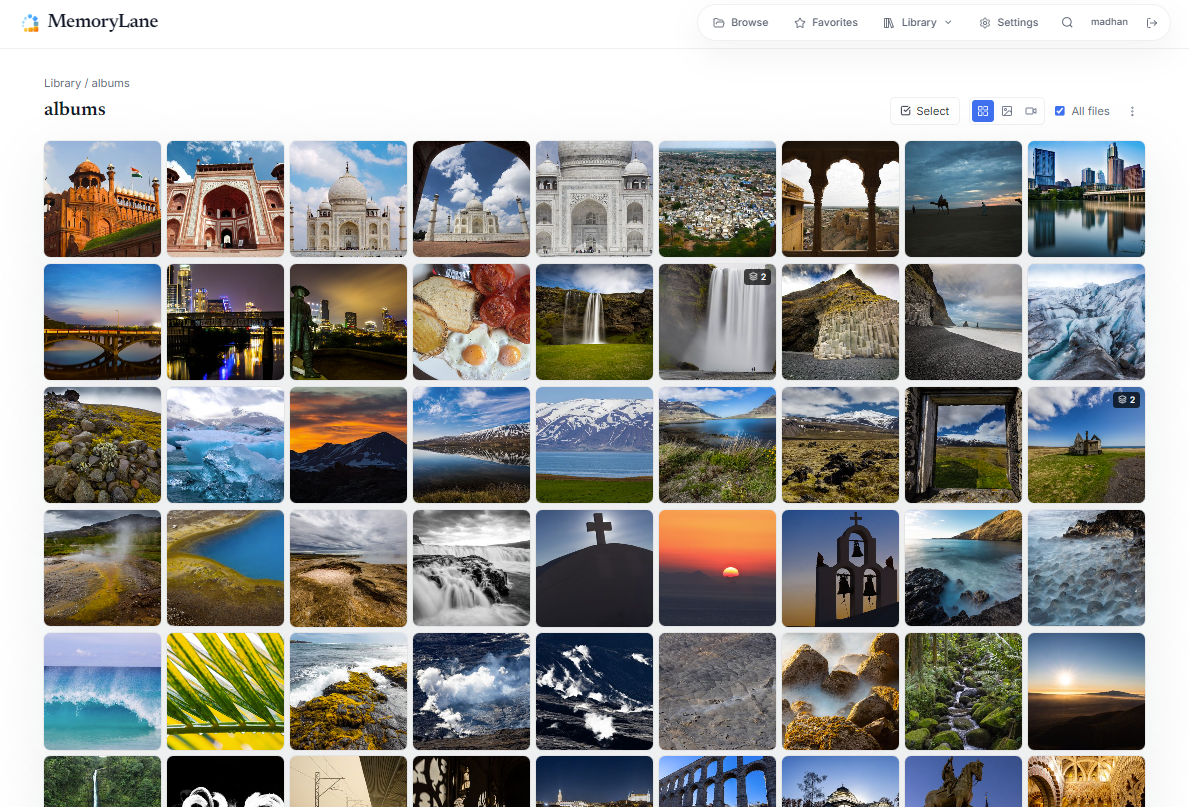
Example performance
An example from a real, indexed library on local storage. Load time varies with the computer, storage, and whether generated previews are already cached.
More than a folder browser
The tools to rediscover,
explore, and experience.
Start with simple browsing. Follow any subject below for the details, or keep scrolling through the whole archive.
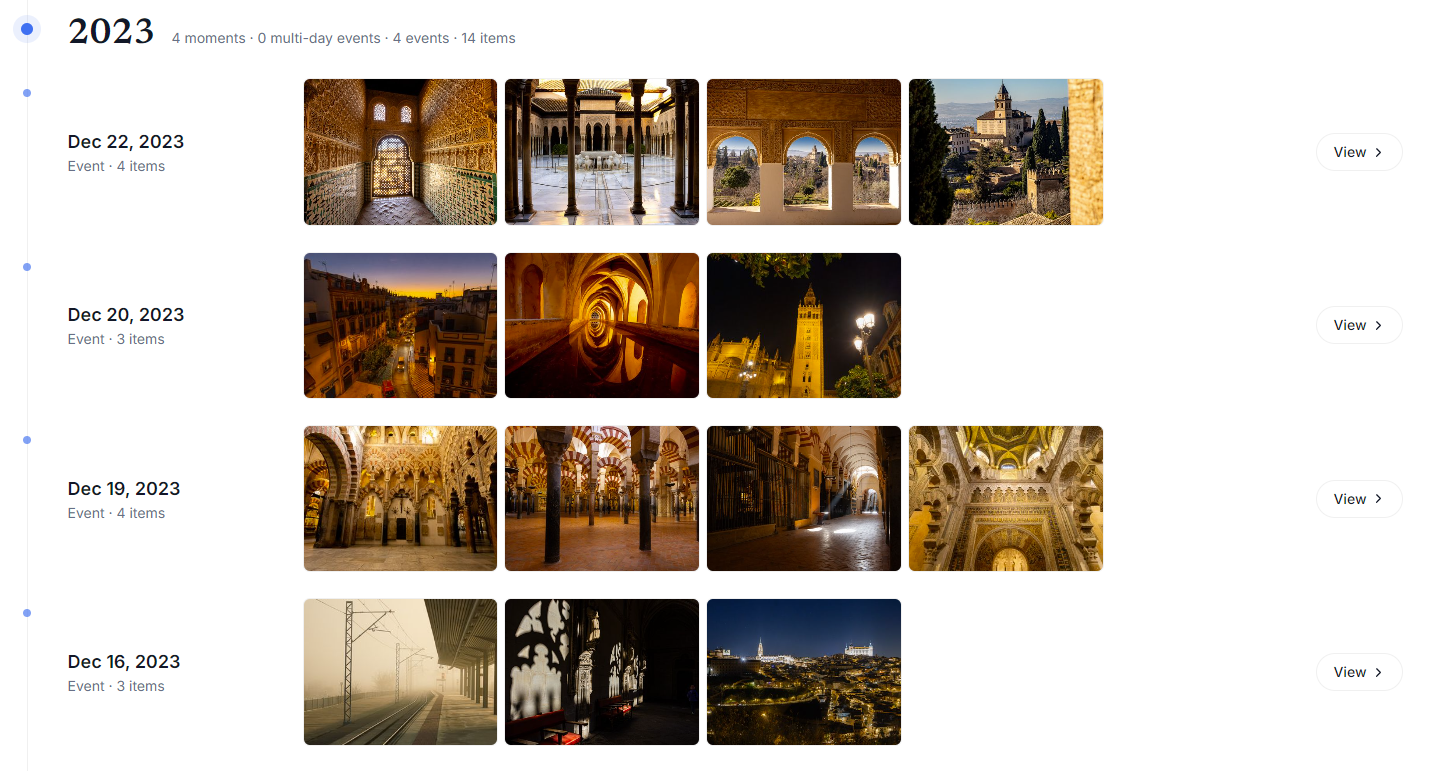
- Rediscovery, Timeline & MomentsBring forgotten photographs back through a changing home page, browse years and months in Timeline, and revisit related events and multi-day stories through Moments.Learn more →
- Organization & CollectionsBrowse large photography archives, group selections from different folders into Collections, add tags and favorites, and clean up through a deliberate review process.Learn more →
- For photographersWork with RAW files, EXIF reports, precise photographic filters, and a history of the cameras and lenses behind the archive.Learn more →
- Video and Live PhotosKeep stills and motion in the same library, play supported originals, and review older formats before converting them.Learn more →
- Optional local AIAdd natural-language search, visually similar photographs, and People when those ways of exploring become useful.Learn more →
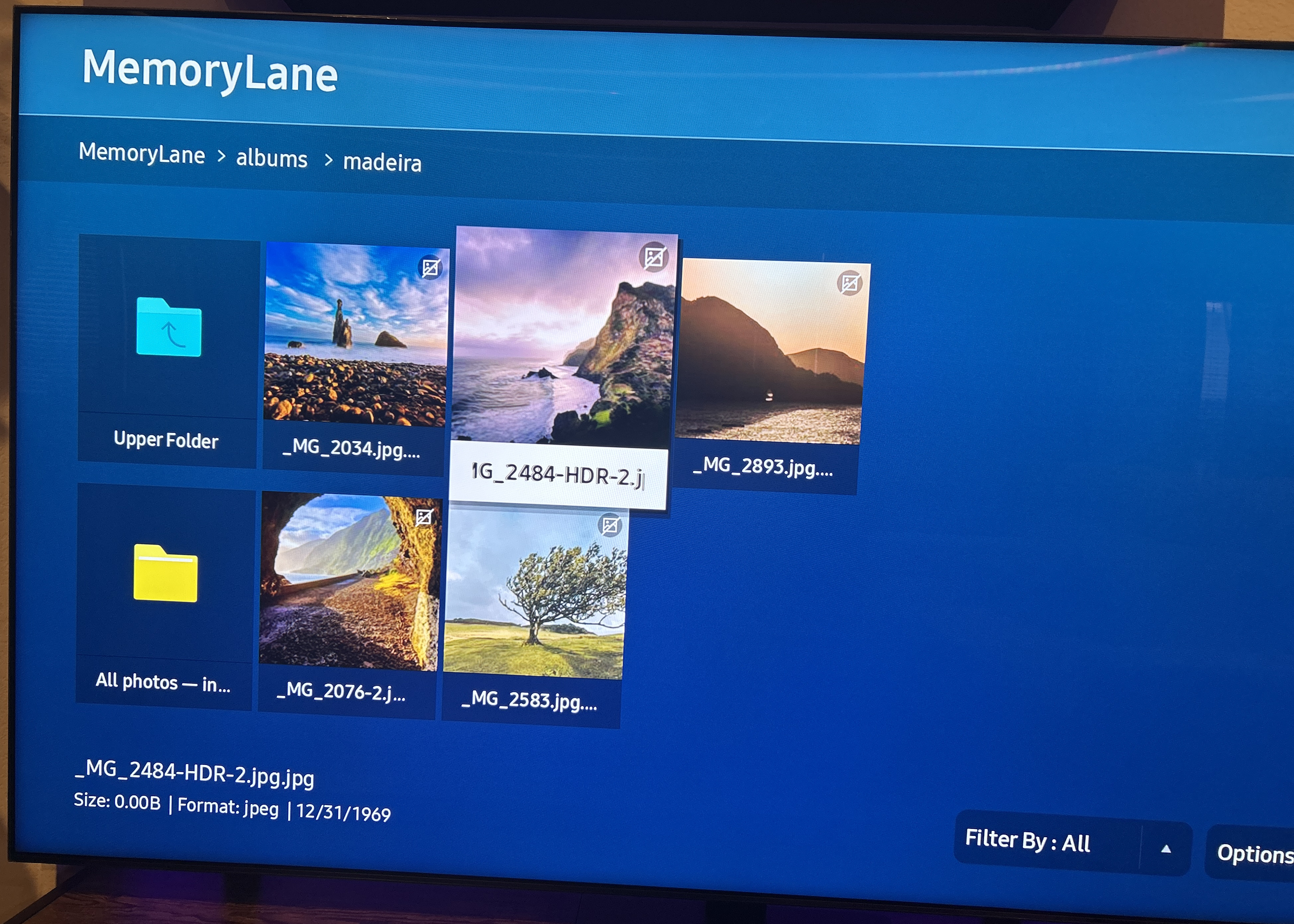
- Optional TV & DLNA sharingBrowse selected photo collections on compatible smart TVs and DLNA or UPnP devices over your local network.Learn more →
- Local storageLeave originals in their existing folders and keep generated previews and library information on storage you control.Learn more →
- Themes and languages4 themes including Dark mode, also Supported Languages: English, French, or Spanish.
- How it worksInstall MemoryLane, choose the folders you already use, and begin browsing while the local library is built.Learn more →
- PrivacyUnderstand what stays local, when MemoryLane uses the internet, and which parts of your library are worth backing up.Learn more →
Rediscovery
Let old memories
surface again.
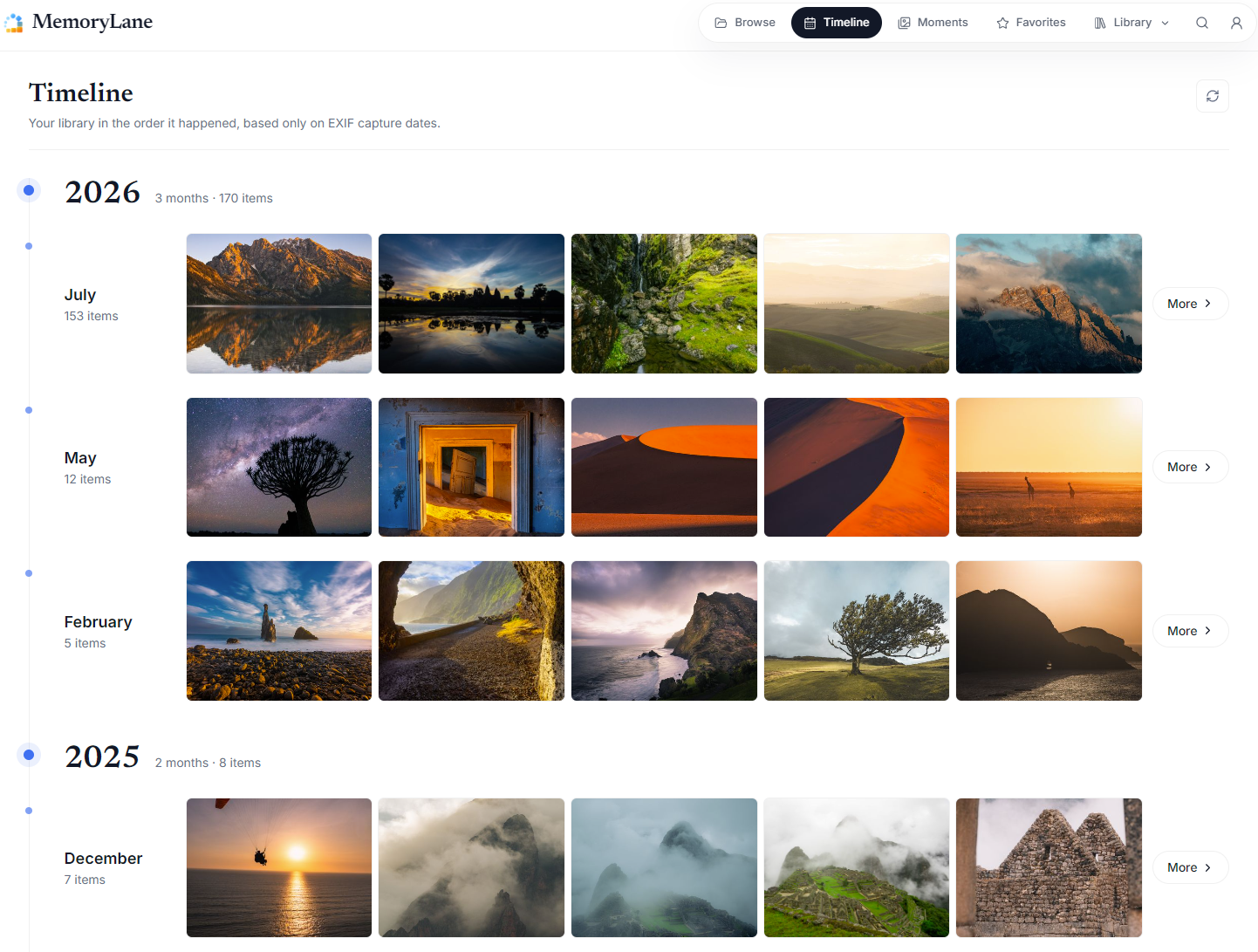
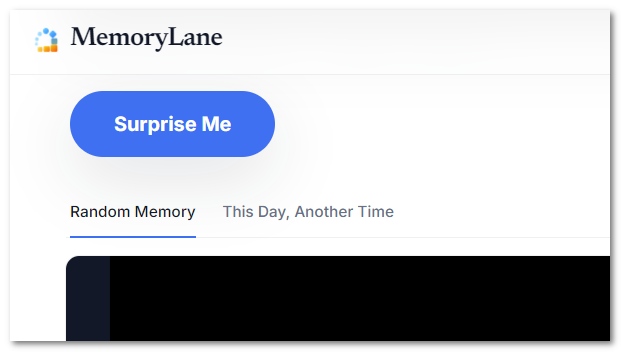
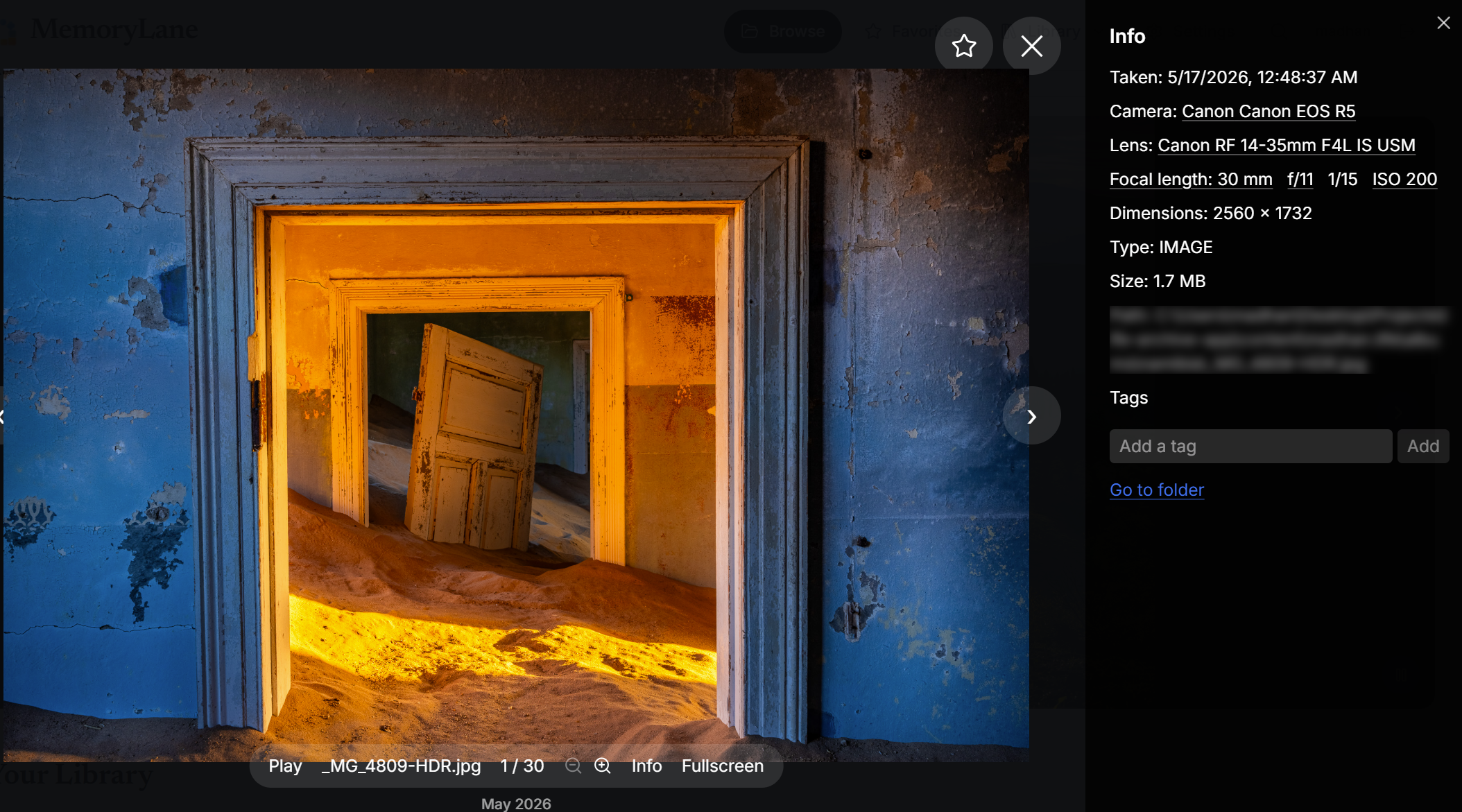
Most photographs in a large archive disappear into folders after the day they were taken. MemoryLane brings them back through a changing home page, this-day memories, random journeys, and quick ways to wander through years of family life and photographic work.
Organization
Built for large
photography hoards.
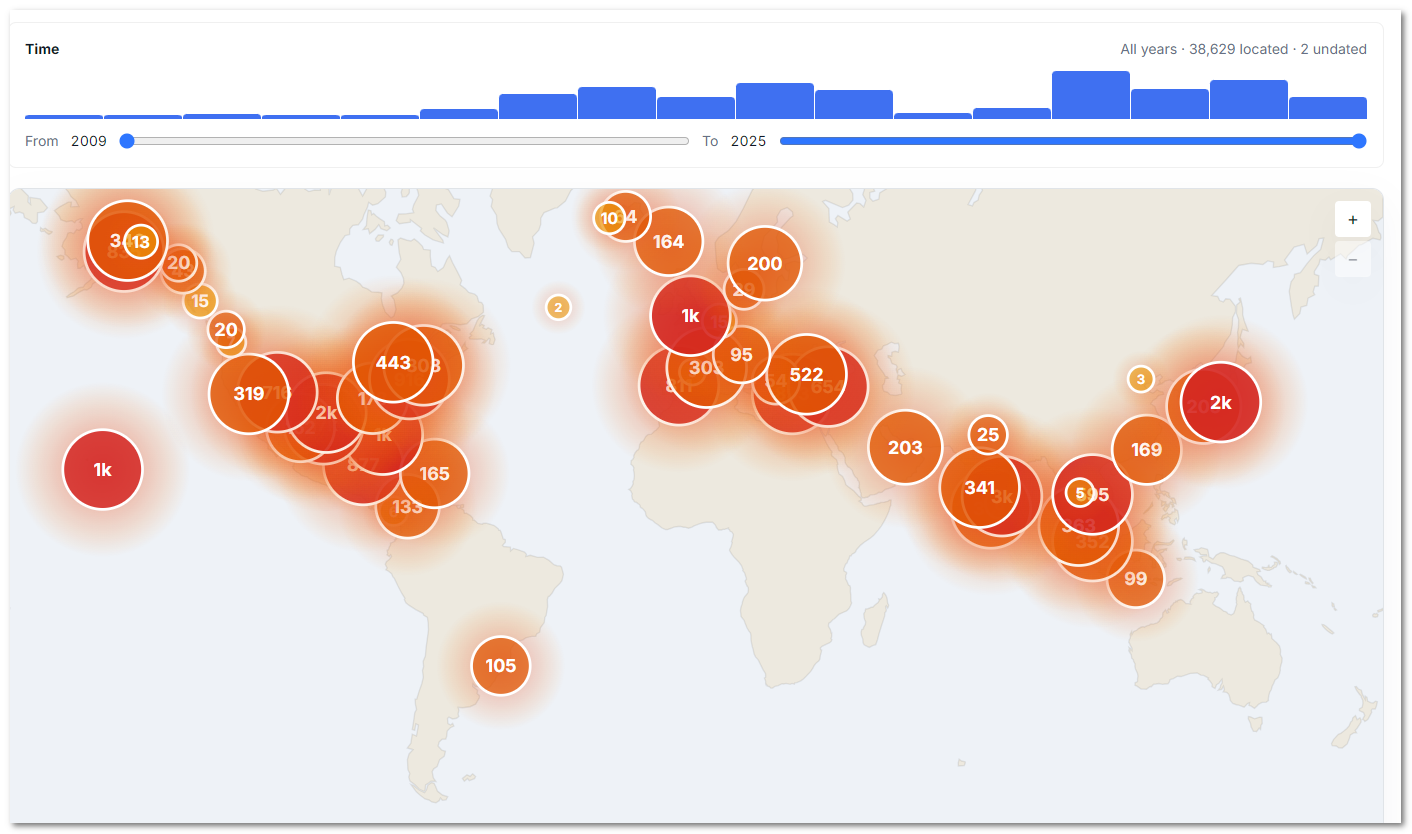
Keep the folder structure you already trust. MemoryLane adds fast browsing and curation across many folders and drives while the original photographs stay where they are. Read the guide to organizing a large archive.
For photographers
See your archive through
the gear that made it.
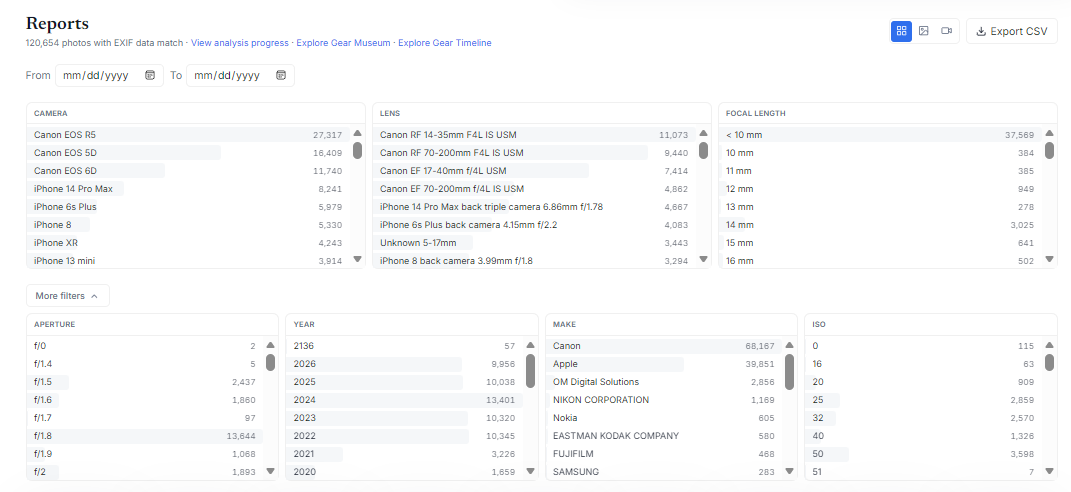
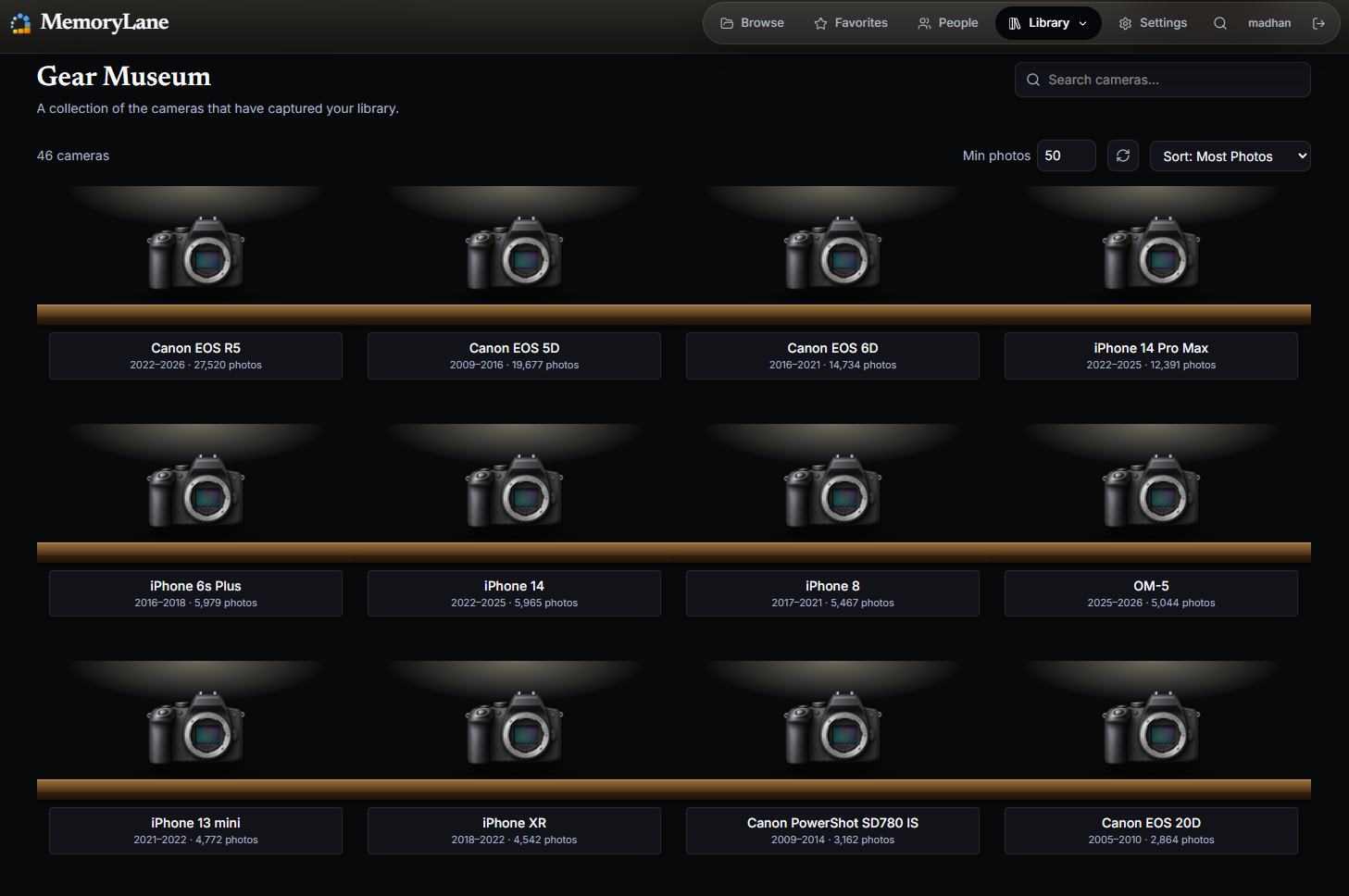
Camera, lens, aperture, shutter speed, ISO, focal length, keywords, GPS, and more become ways to understand years of work. ExifTool reads standard and manufacturer-specific metadata from thousands of camera models. RAW files receive correctly oriented previews, and matching RAW and JPEG versions appear as one photograph while both originals remain intact. Read the EXIF and gear guide.
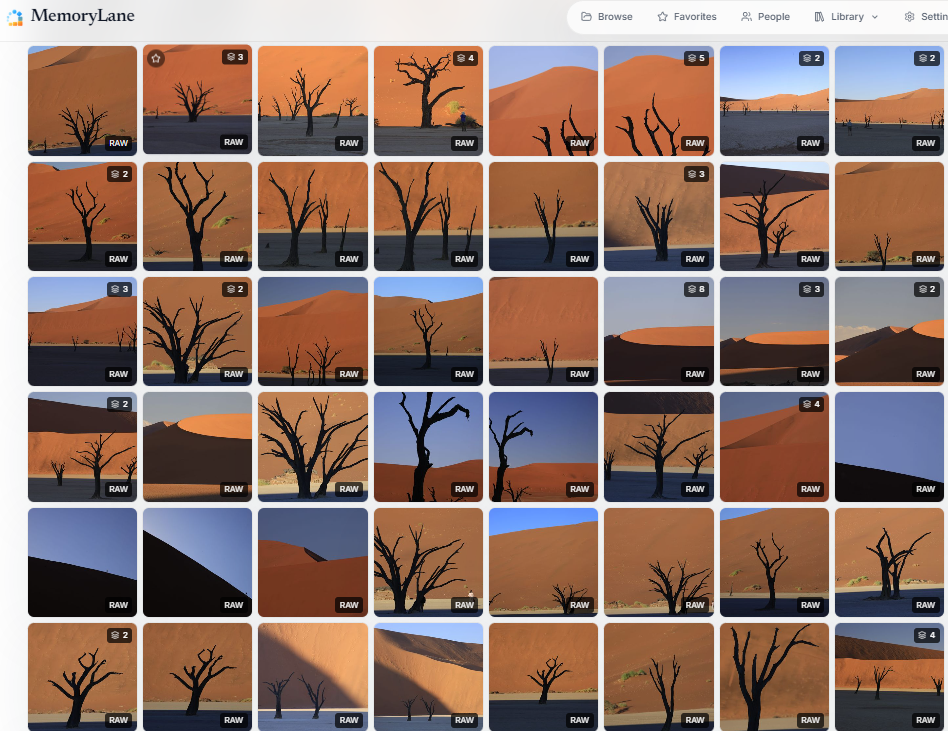
- RAW+JPEG pairingMatching RAW and JPEG files appear as one photograph while both originals remain intact. The pair stays linked while browsing and during cleanup.
- Stacks for bursts and related framesCollapse a burst into one useful entry, choose its cover, split selected frames, or build a stack by hand. Manual changes are left alone by automatic regrouping.
Supported RAW formats
- Canon CR2 / CR3 / CRAW
- Nikon NEF / NRW
- Sony ARW / SR2
- Fujifilm RAF
- Olympus / OM System ORF
- Panasonic / Lumix RW2
- Pentax PEF
- Samsung SRW
- Sigma X3F
- Kodak DCR / KDC
- Hasselblad 3FR
- Adobe DNG
Video and Live Photos
Keep stills and motion
in the same story.
Video appears beside photographs with a poster frame, duration, and playback. Apple Live Photos stay paired as one item, so the still and its moment of motion do not get separated.
Live Photos stay together.
MemoryLane recognizes the still image and its short motion clip as one item. Browse the photograph normally, then play the moment behind it whenever you want—without separating or duplicating the original files.
- Filter photographs, videos, or everything together.
- Find older formats that a browser cannot play and choose whether to create a compatible copy.
- Nothing is converted automatically, and an original is only archived after you review the result.
Read the guide to organizing photos, videos, and Live Photos together.
Optional local features
More ways to explore,
only when you want them.
The core library works without the optional AI download. Add it from Settings when these ways of exploring would help you experience the archive again. Learn how local AI photo search works.
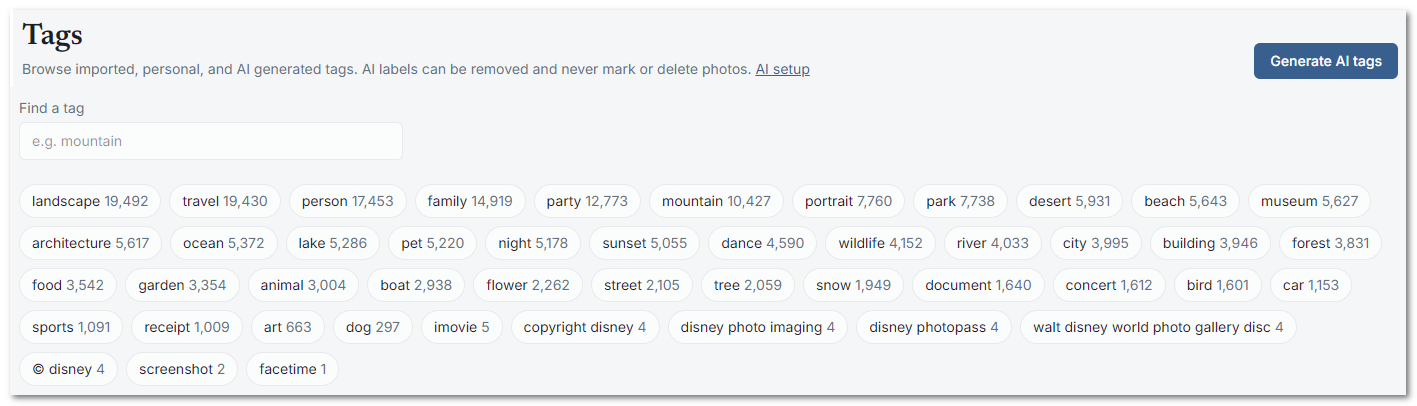

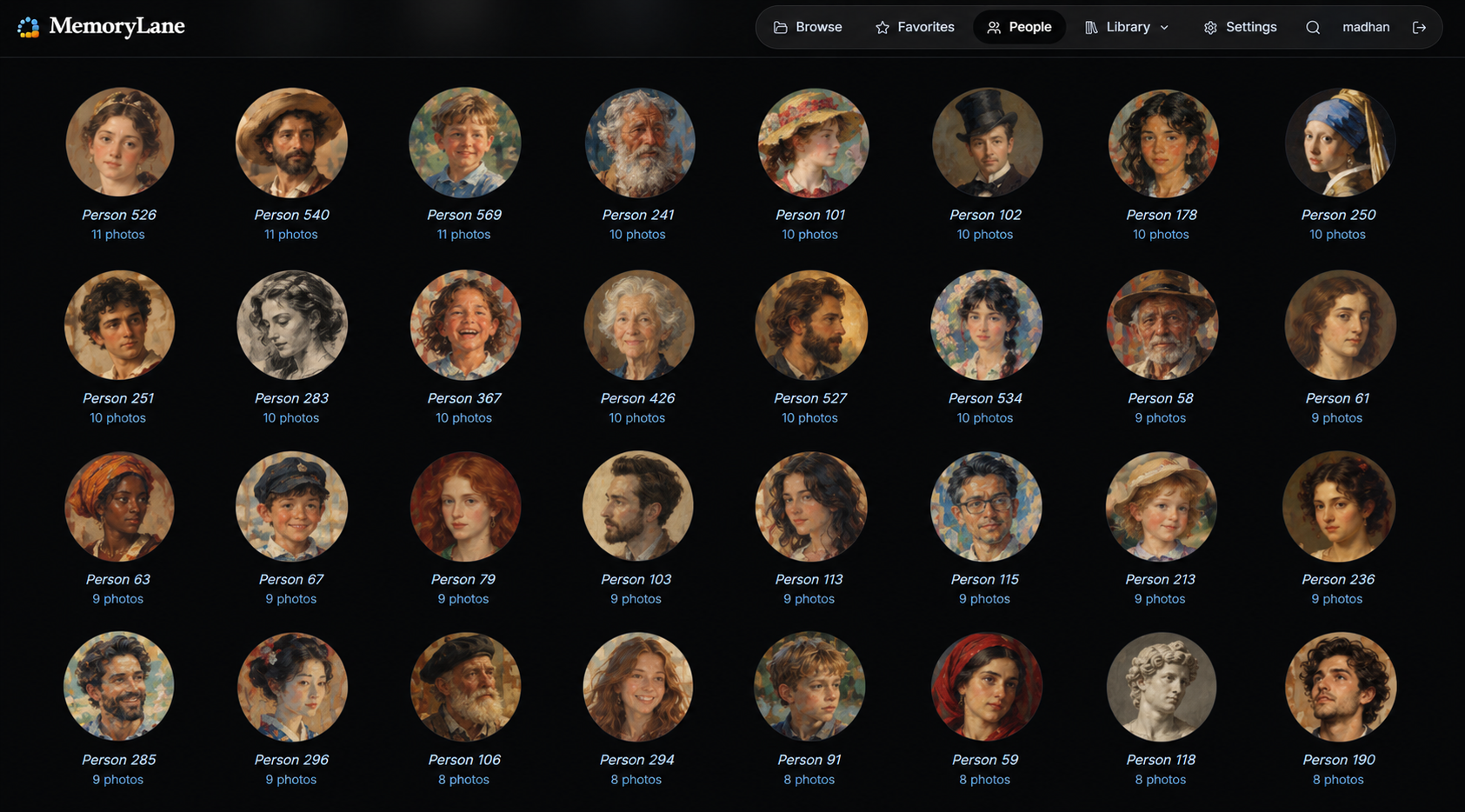
- Find visually similar photographsStart from one photograph and uncover related frames from other folders, dates, or cameras. It can also help bring alternate versions and overlooked sequences back together.
- Keep optional features optionalInstall, update, disable, or remove the additional components from Settings. Analysis runs on your computer, continues in the background, and shows its progress without blocking ordinary browsing.
Local storage
Keep your Photos
where they are.
MemoryLane does not import photographs into a private vault. It keeps a local library beside the folders and drives you already use, with generated thumbnails and previews that make browsing fast.
- Generated files can be rebuiltThumbnails, previews, extracted metadata, and search indexes can be recreated by scanning the originals again.
- Your curation is worth backing upFavorites, personal tags, manual stacks, cleanup decisions, and named people live in the library database. Back it up if that work matters to you.
- Choose where generated data livesSee how much space it uses and move it to another SSD or hard drive without relocating the photographs.
- One standalone systemThere is no required service account or subscription. Add larger optional components only when they are useful.
Organize photographs on an external drive. Browse an archive stored on a NAS or network drive.
How it works
From folders to a library
in three simple steps.
- 01Install MemoryLaneOpen the small desktop app, create the administrator login for your installation, and continue in your normal web browser.
- 02Choose your photo foldersAdd one or several folders or drives. Originals remain in place while MemoryLane builds its local index and previews.
- 03Start exploringBrowse as indexing continues. Add optional features later from Settings, and schedule rescans when the archive changes.
Privacy
Completely Private
and Offline.
MemoryLane runs on your computer (Windows, Mac, Linux or your Server) and on your desktop tray. Browsing, indexing, reports, and optional analysis use local files and local services. Your photo and video files are not uploaded to operate those features.
Read what private and offline means in practice.
- MemoryLane uses the internet for application updates, optional component downloads, and selected gear reference information.
- Cleanup marking only hides an item. Moving files, archiving an older video, and permanent deletion are separate actions that require your choice.
- The Apple Photos connection is read-only and sends you back to Photos for changes managed by that library.
Ready when you are.
Bring your memories back into view and give your photo archive new life.
Windows installer for 64-bit PCs. Mac installer for Apple silicon. Linux users can build and run MemoryLane from the source repository.