 MemoryLane
A local photo manager should let you browse and search your collection without sending the photographs to someone else's servers. That simple principle still leaves important questions about updates, optional downloads, map data, analytics, and backups.
Follow the photograph from disk to screen
When a local application scans a folder, it reads the original file and records information that makes later browsing faster. This often includes dimensions, dates, camera metadata, a thumbnail, and a larger preview. Those generated files can stay on the same computer even when the originals live on an external drive or network share.
The safest design leaves the original where you placed it. A catalog or database then points back to that file rather than quietly importing it into a private storage area. This makes the relationship easier to understand, although it also means that disconnecting or renaming a drive can make the original temporarily unavailable.
Offline does not always mean never connected
An application may work locally while still using the internet for a few clearly defined tasks. It might check for software updates, download an optional component, retrieve camera reference information, or load externally hosted fonts. None of those activities requires uploading a photo library, but each one should be disclosed so that you can decide whether it fits your expectations.
Maps deserve particular attention because many map interfaces send coordinates and viewing activity to a tile provider. An offline map avoids that request by keeping its geographic data with the application. If location privacy matters to you, check the map implementation rather than assuming that a local photo database makes every screen local.
Local AI has its own tradeoffs
Natural-language search, automatic tags, similarity matching, and face grouping can all run locally. In that arrangement, the model reads images on your computer and stores its results in a local index. The work can take time, consume disk space, and use a noticeable amount of processor or graphics capacity during the first analysis.
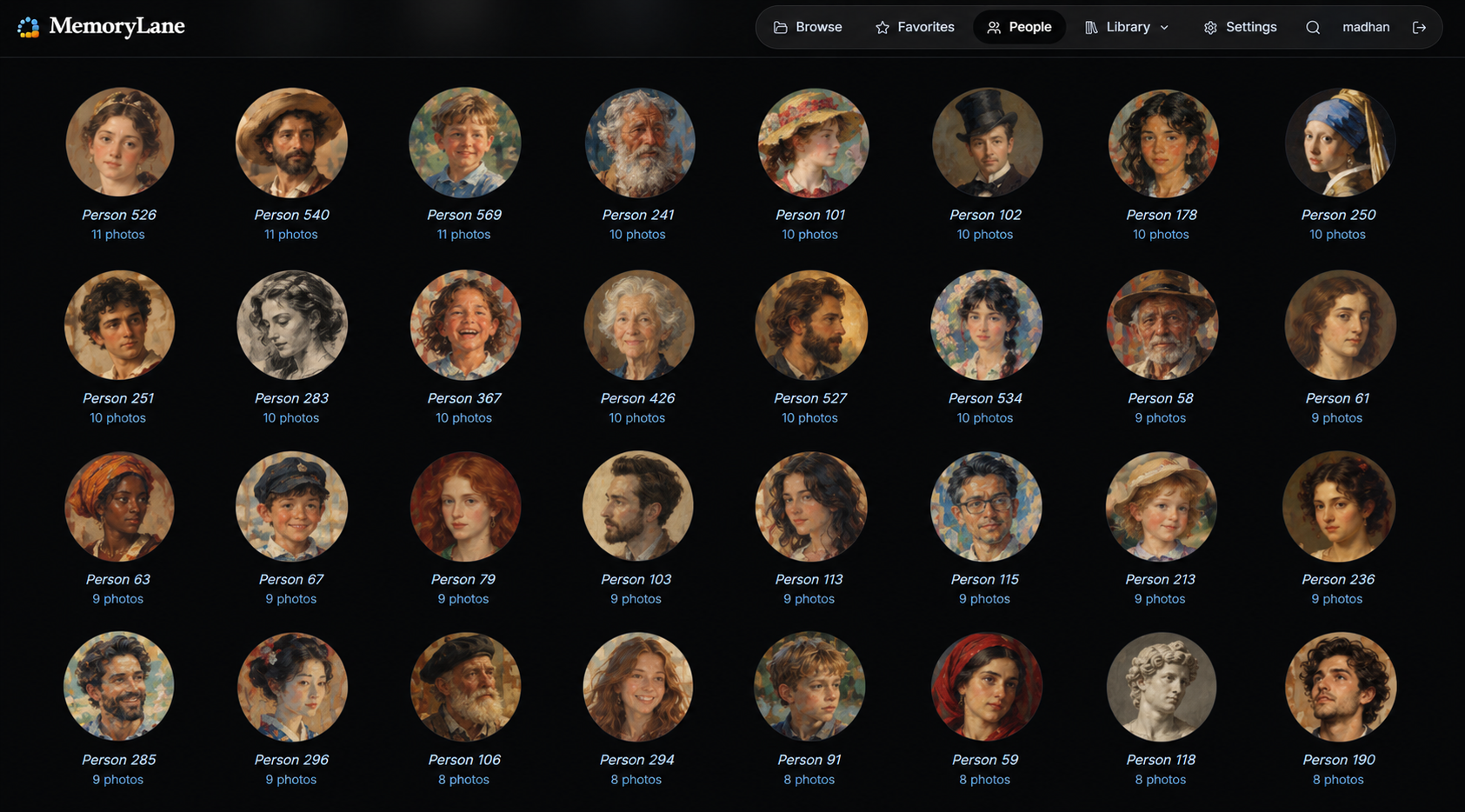
Good local AI features remain optional and reversible. You should be able to install them only when they are useful, see their progress, correct their results, and remove the generated information later. Face groups and machine-generated labels are especially personal, even when they never leave the computer, so they deserve the same thoughtful backup and deletion controls as the rest of the catalog.
Private software still creates valuable data
A local library database may contain favorites, tags, named people, cleanup decisions, and the paths to your files. Keeping it private does not make it disposable. If years of curation would be painful to repeat, include that database in your regular backups while continuing to back up the original photographs separately.
It also helps to know what happens during removal. Uninstalling an application may leave its data directory behind so that an accidental uninstall does not erase your work. A clear privacy model should tell you where that directory is and how to remove it when you truly want a clean departure.
Questions worth asking before you install
- Do the original photographs remain in their existing folders?
- Which features work with the network disconnected?
- Does any image, thumbnail, face, text prompt, or coordinate leave the computer?
- Are optional models and integrations clearly separated from the core application?
- Can generated data be removed without touching the originals?
- Where are personal tags and other curation stored, and how should they be backed up?
How MemoryLane handles privacy
MemoryLane reads the folders you choose and performs browsing, indexing, reports, and optional image analysis through local services. Your photographs and videos are not uploaded to operate those features. Internet access is used for application updates, optional component downloads, selected gear reference information, externally hosted website fonts, and website analytics.
The Apple Photos connection is read-only toward the Photos library, while cleanup actions are separated into marking, review, moving files, and permanent deletion. MemoryLane's generated previews can be rebuilt, but personal curation in its database should be backed up.
Inspect the project for yourself
MemoryLane is open source, so its privacy model does not have to rest on a marketing promise. You can review the source or try it first with a small folder.